
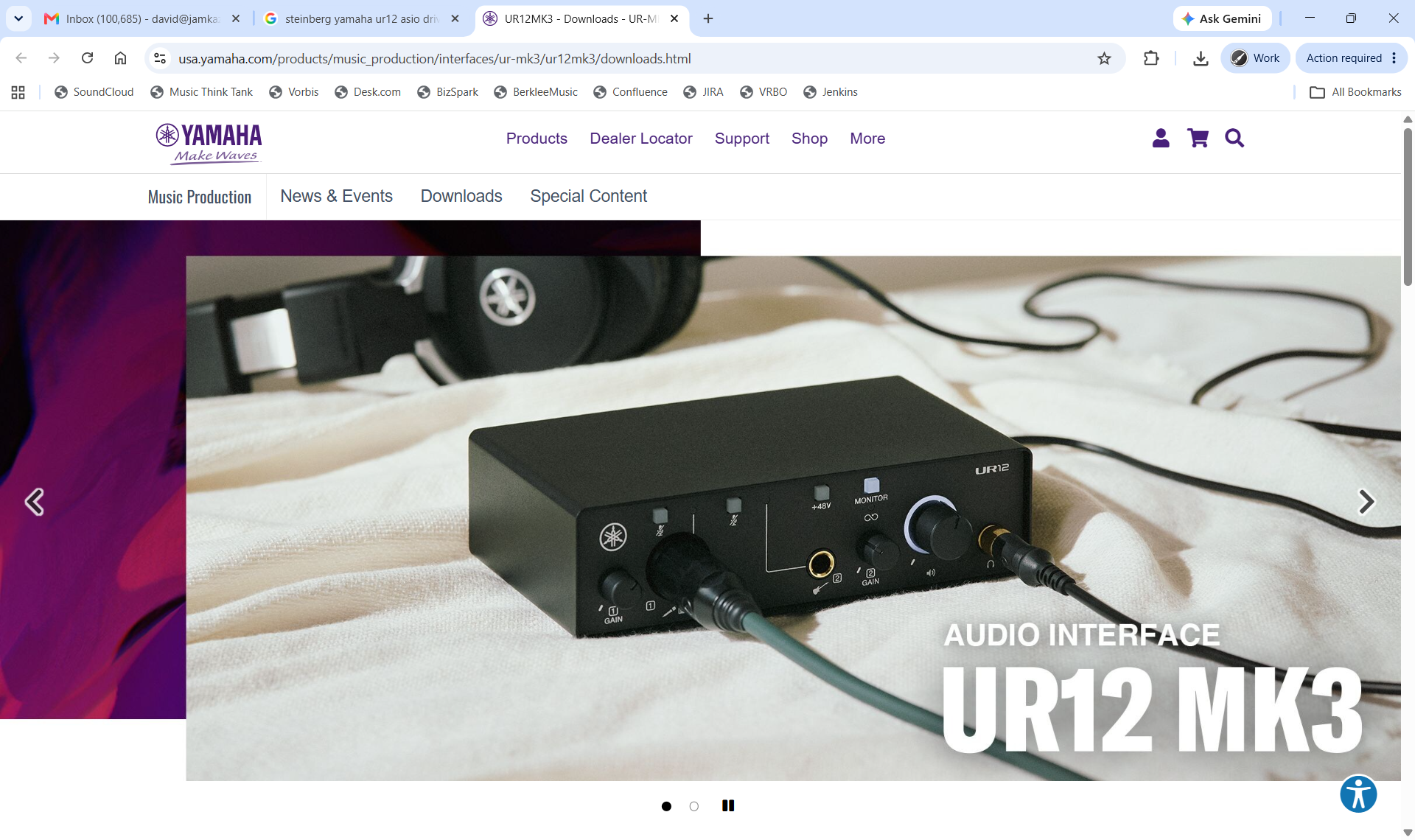
To download and install a Behringer ASIO driver for your Behringer audio interface, start by going here in your browser: https://usa.yamaha.com/products/music_production/interfaces/ur-mk3/ur12mk3/downloads.html. You will see the UR12 downloads page (pictured below). (Note that all Steinberg/Yamaha audio interfaces use this same ASIO driver.
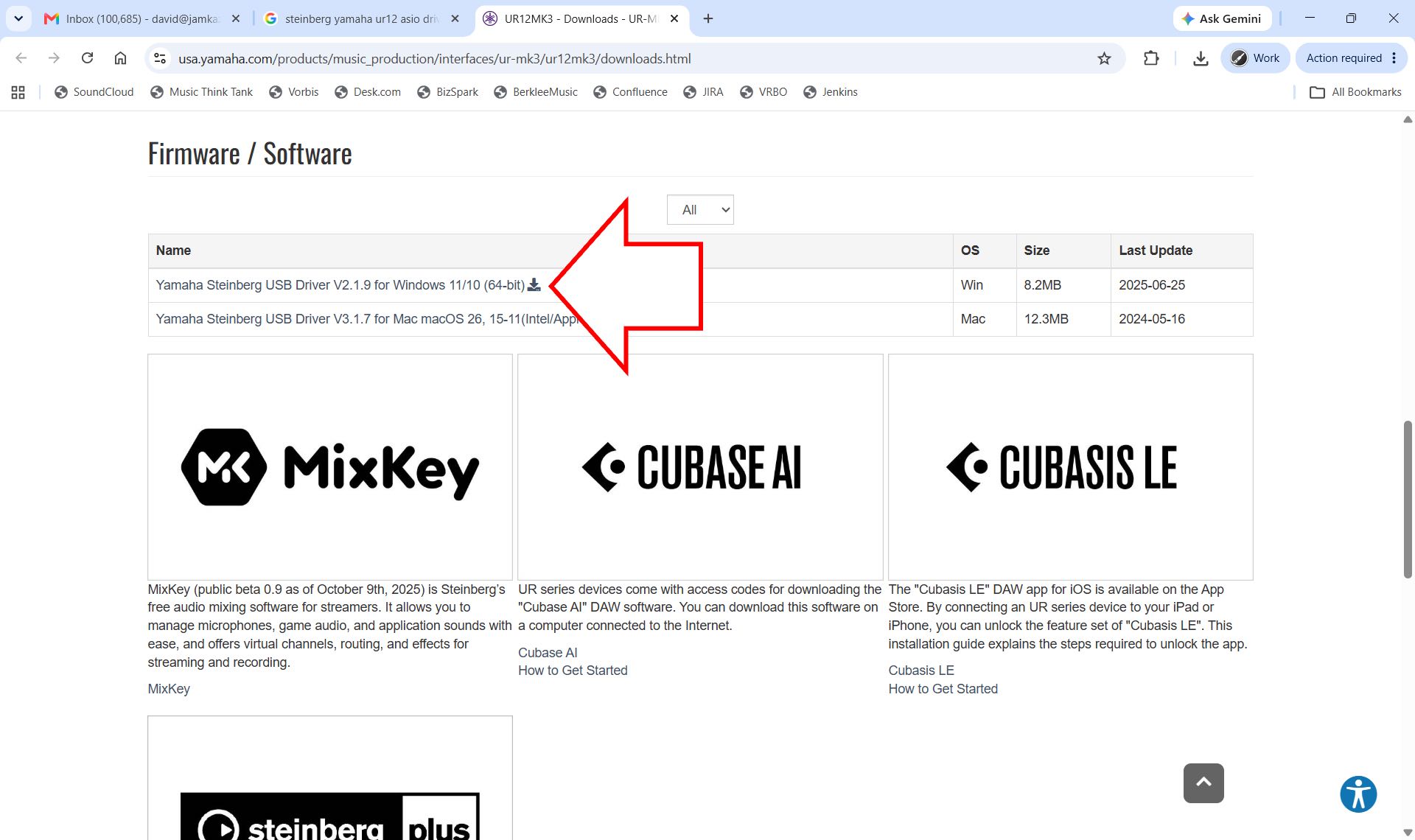
Scroll down the page until you see the Firmware/Software section of the page, and click the Yamaha Steinberg USB Driver for Windows download button (pictured below with arrow).
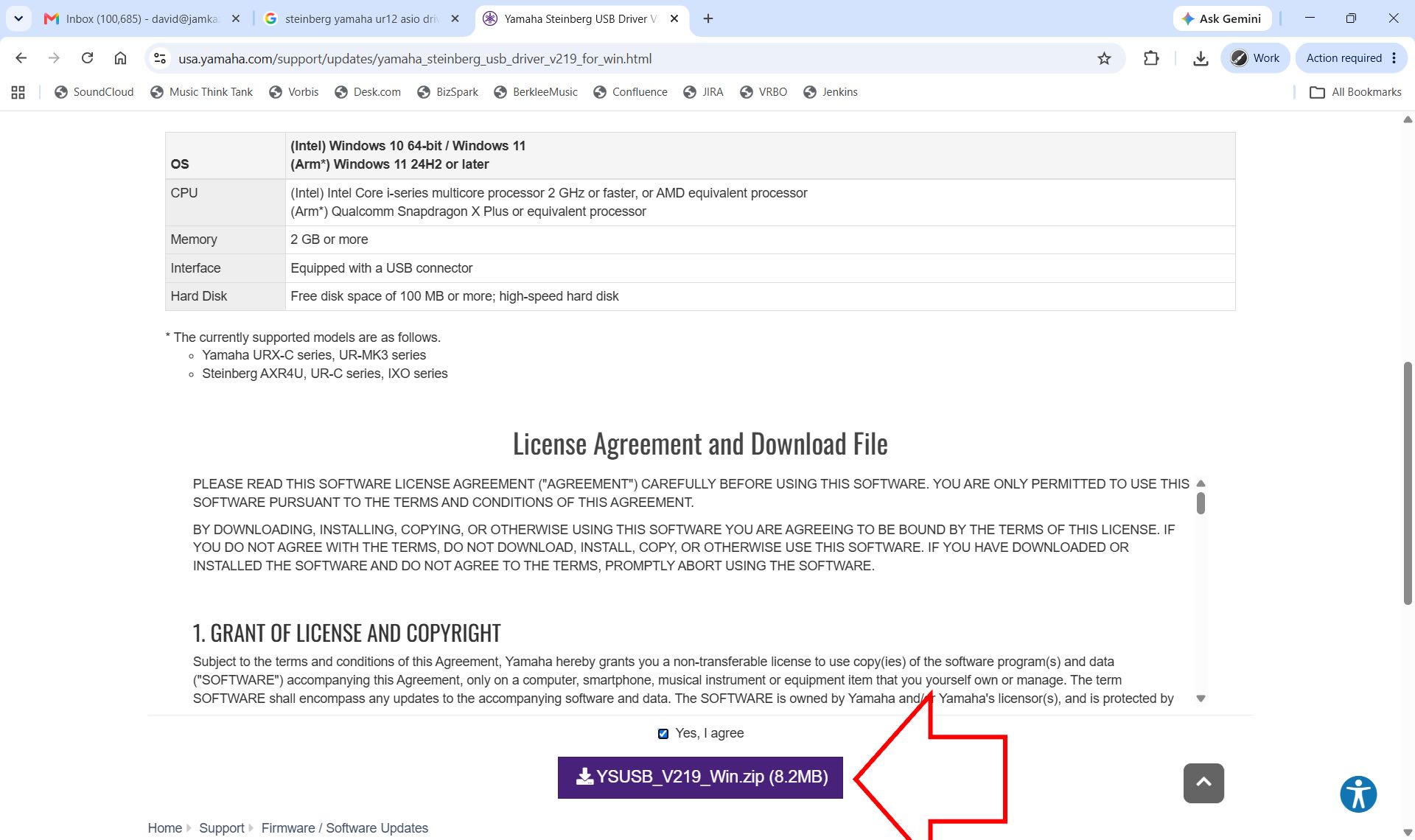
The download page for this driver is displayed. Scroll down this page until you see the license agreement, and under the agreement the "Yes, I agree" checkbox and download button (pictured below with arrow). Check the box and click the button.
A compressed zip folder is downloaded through the browser to your computer. Double click this downloaded folder to open it on your desktop. Then double click the folder you see to open it. Then double click the Setup app inside the folder, which is the driver installer app. Follow the on-screen instructions to install the driver on your computer.
When finished, we advise you restart your computer, and then you'll be ready to set up your audio interface with the JamKazam app.