
To download and install a Motu ASIO driver for your M2 or M4 audio interface, start by going here in your browser: https://motu.com/en-us/download/product/408/. You will see the Motu M series downloads page (pictured below).
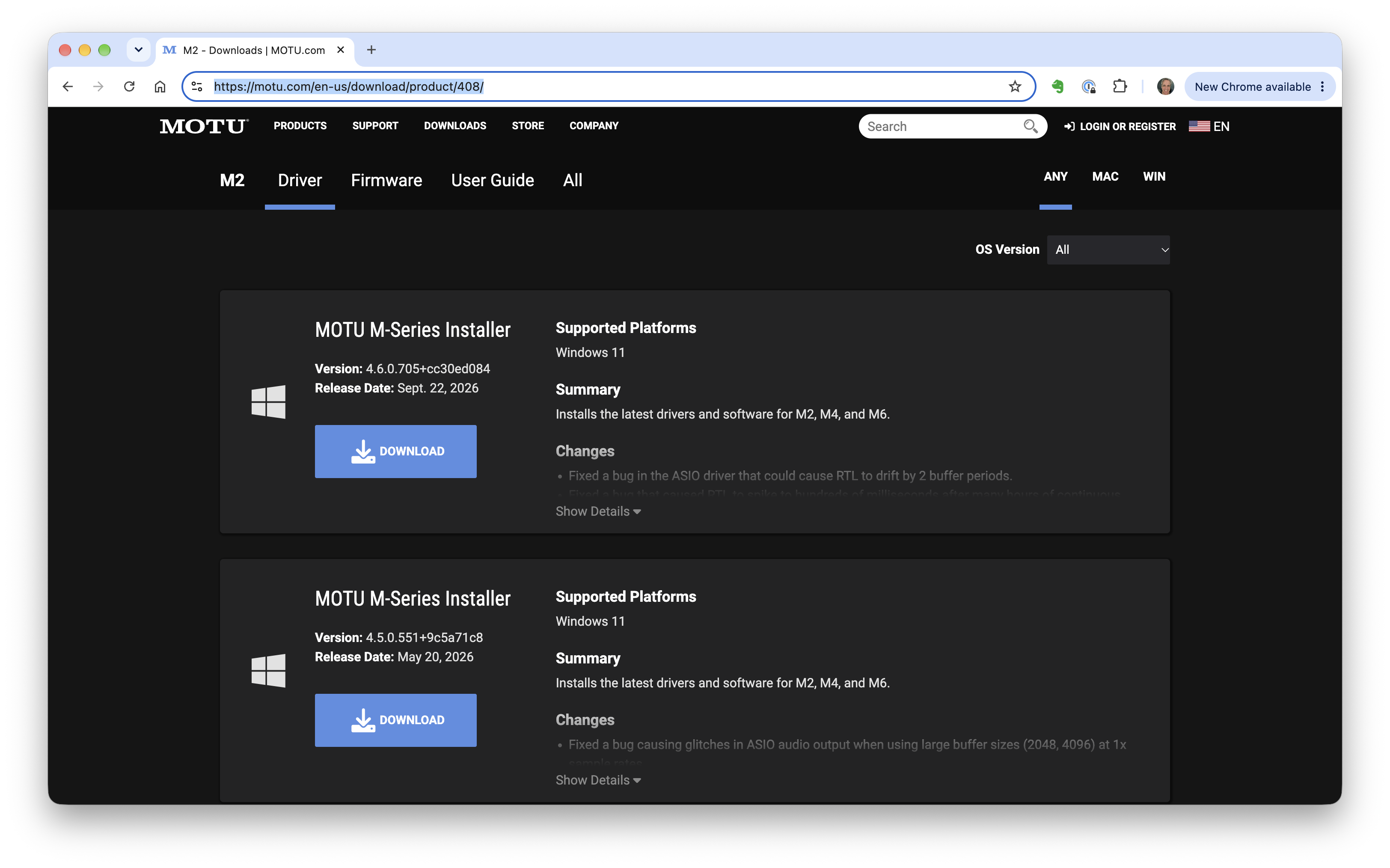
If you're running Windows 11, click the Download button on the top installer. As a general rule, you always want to be running the most recent version of the software driver (which in this case is at the top of the list). This will download the driver installer through your browser.
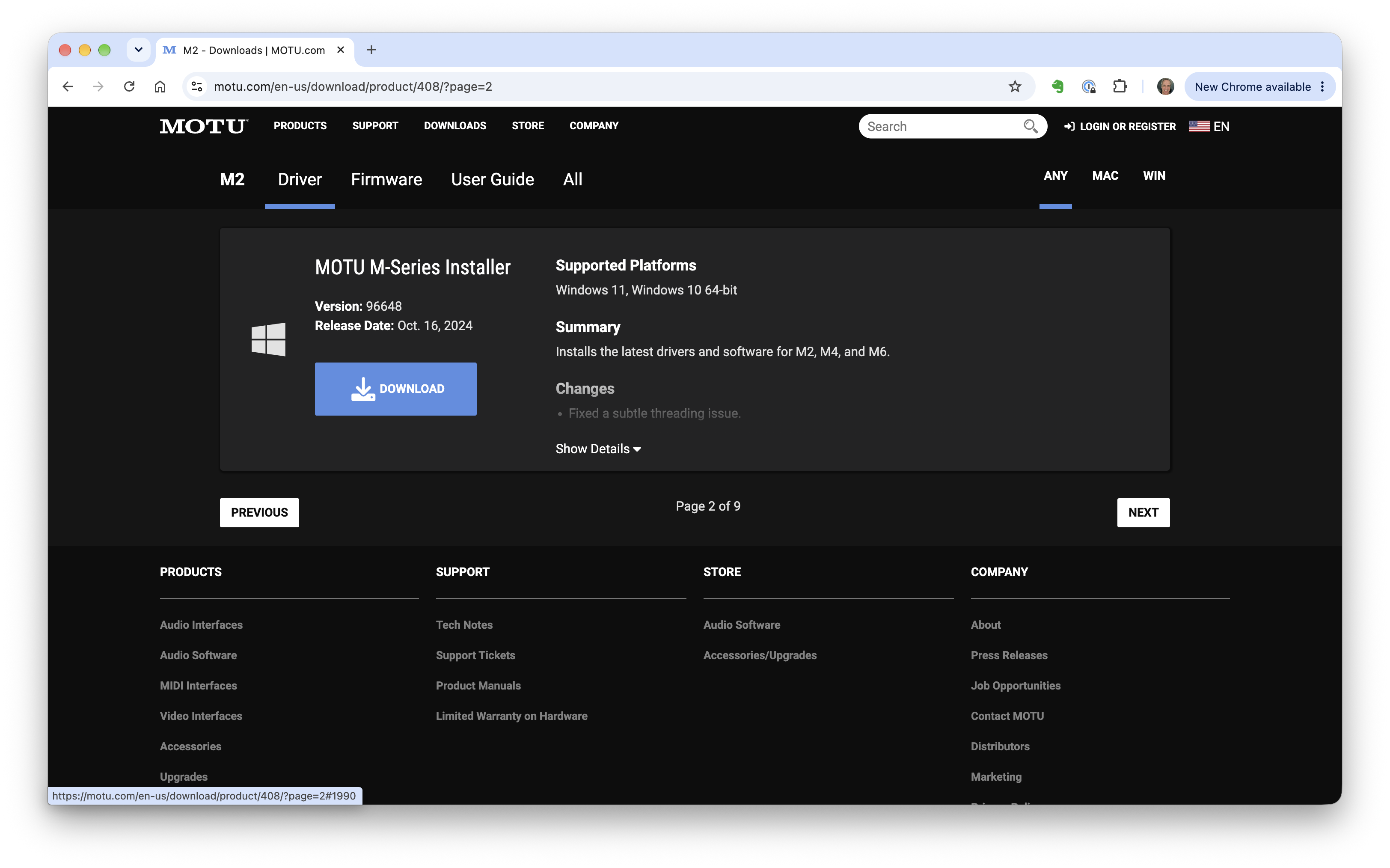
If you're running Windows 10 (64-bit), you'll need to scroll down and click the Next button once or twice until you find a version of the installer that says it's compatible with both Windows 11 and Windows 10 (pictured below). It appears the most recent such driver was released October 16, 2024 by Motu.
In either case, when the download has completed, double click the .exe file to run the installer, and follow the on-screen instructions to install the driver on your computer.
When finished, we advise you restart your computer, and then you'll be ready to set up your audio interface with the JamKazam app.