
To get started, go to the JamKazam app download page in your browser, using this link: https://www.jamkazam.com/public/downloads. You will see the download page (pictured below).
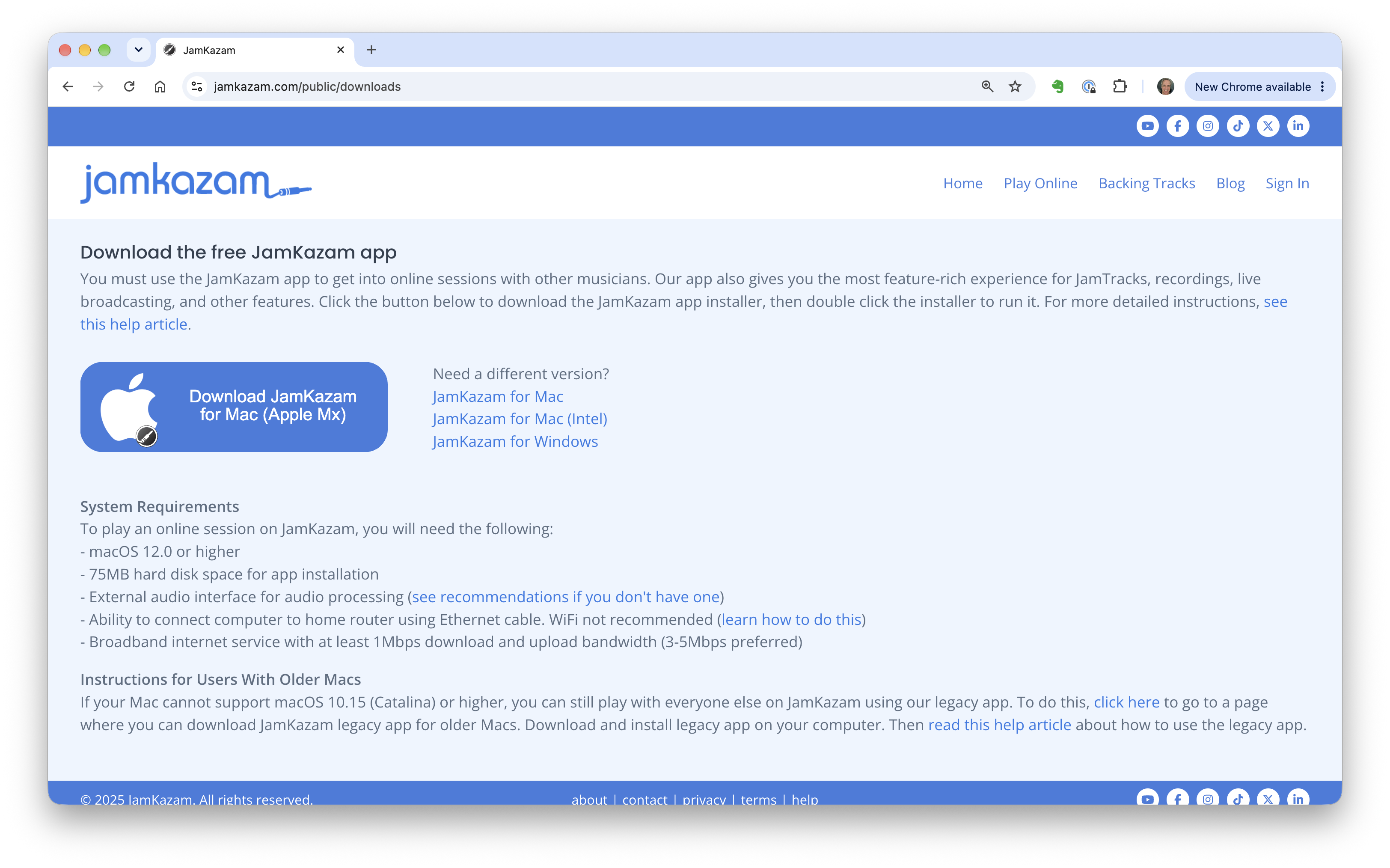
The download page will automatically detect what operating system your computer is running and offer the right download button for the right version. Simply click the big blue download button to get the app. The app will download to the location where files typically go when you download through your browser.
Installing on Mac
Double click the downloaded .dmg file, and you will see a window with two icons - one for the JamKazam app and another for the Applications folder on your Mac. Drag the JamKazam app icon and drop it on the Applications folder icon. You will see a Mac status message telling you that your Mac is copying the JamKazam application into the Applications folder. (Note that if you have already installed the JamKazam app in the past, you will see a dialog box, and you should choose the "Replace" option.)
Installing on Windows
Double click the downloaded .exe file, and a typical Windows installer will start up and be displayed. Simply follow the on-screen instructions to install the JamKazam app, as you normally would for any app.
Installing on Linux
Do whatever you nutty Linux users do! lol
Using the JamKazam App
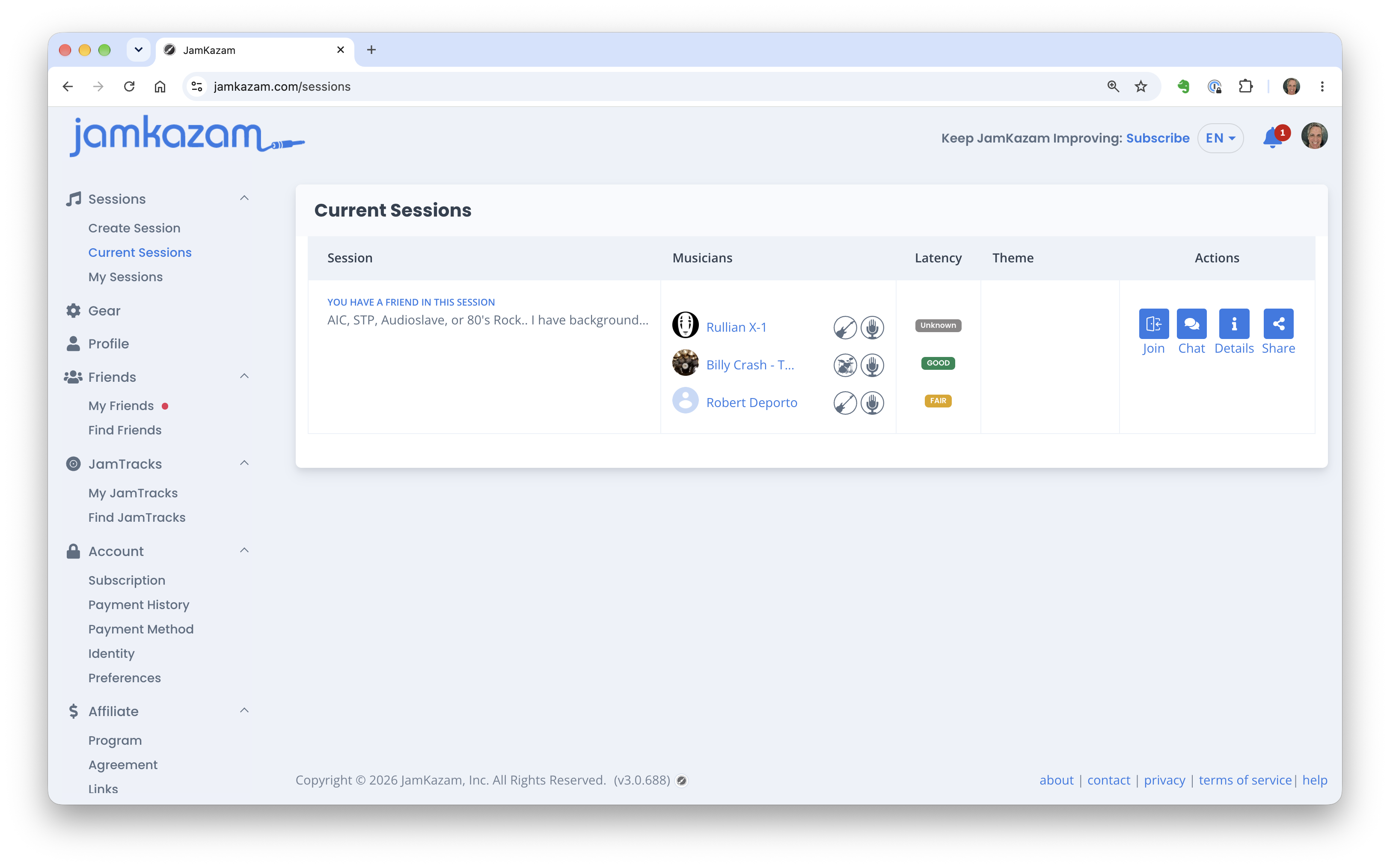
Note that the JamKazam app has been updated to run quietly in the background. All of your interactions with the app now happen through the JamKazam website (pictured below). Use this link to check for current sessions on JamKazam: https://www.jamkazam.com/sessions. And then you can use the left navigation bar to move around through all the features available.
If you have your audio interface and are ready to set it up to work with the app, your next step is to install any software that is needed to make your audio interface work properly on your computer. For instructions on this next step, please refer to our help articles on Setting Up Your Audio Interface.
If you don't have an audio interface and other gear ready to use with the JamKazam app, we'd suggest that you:
- Read a help article to understand what gear you need to play in online JamKazam sessions.
- Read a help article in this help section to get more information on the gear needed for different types of instruments.
- Read the articles in this help section on gear recommendations to choose and acquire the specific gear you want to use.