
From time to time, you may need to update your method of payment (e.g. your credit card expires or is compromised by fraud). To do this, go to https://www.jamkazam.com/account/payment-method in your browser, or click the Payment Method option under Account in the left navigation bar to see the payment method page (pictured below).
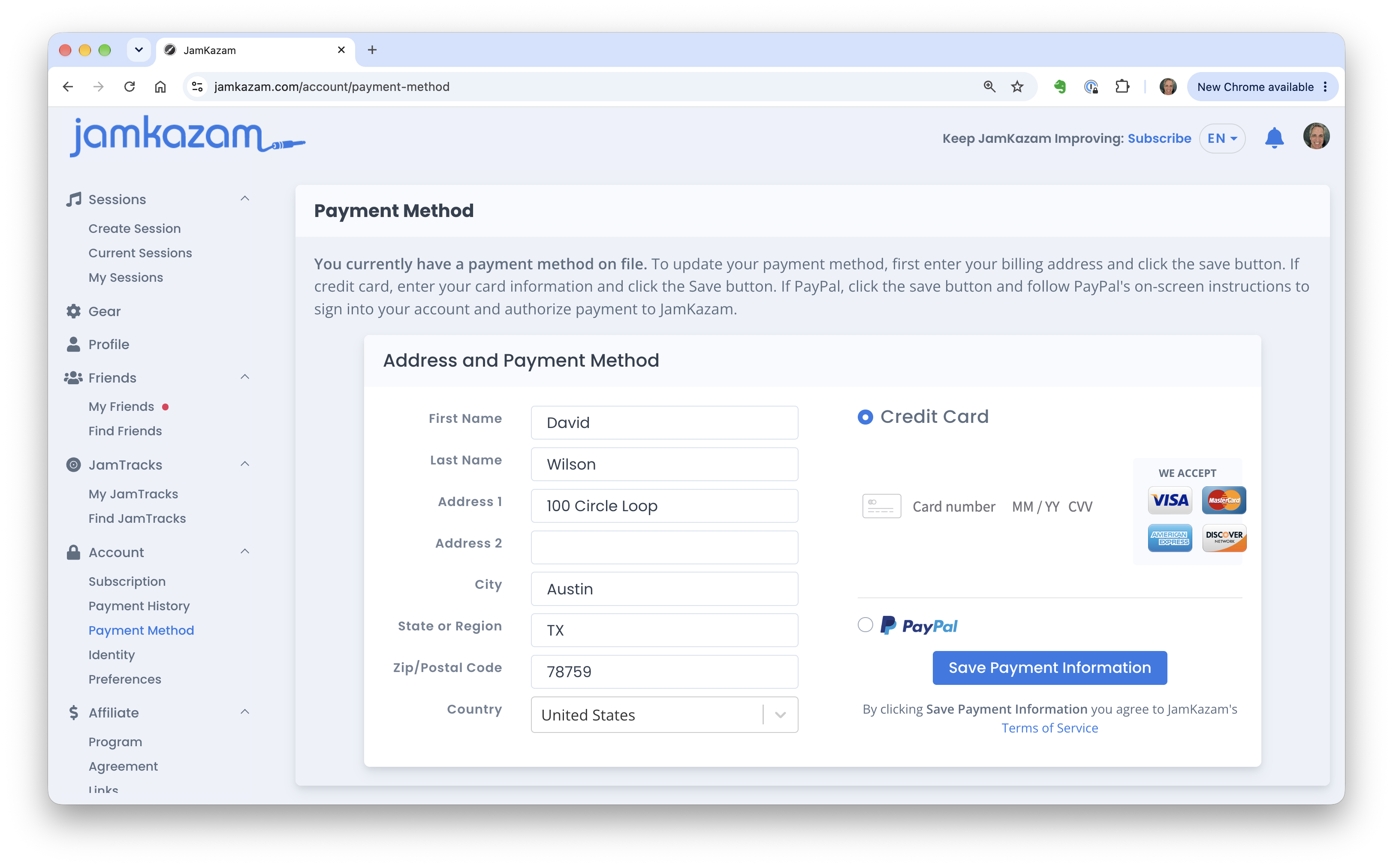
If your billing address has changed, update it as needed.
If you are using a credit card, click on the "Card number" text. Enter your credit card number, expiration date, and CVV where indicated. Then click the Save button.
If you are using PayPal, select the PayPal option, click the save button, and follow PayPal's on-screen instructions to sign into your account and authorize payment to JamKazam.