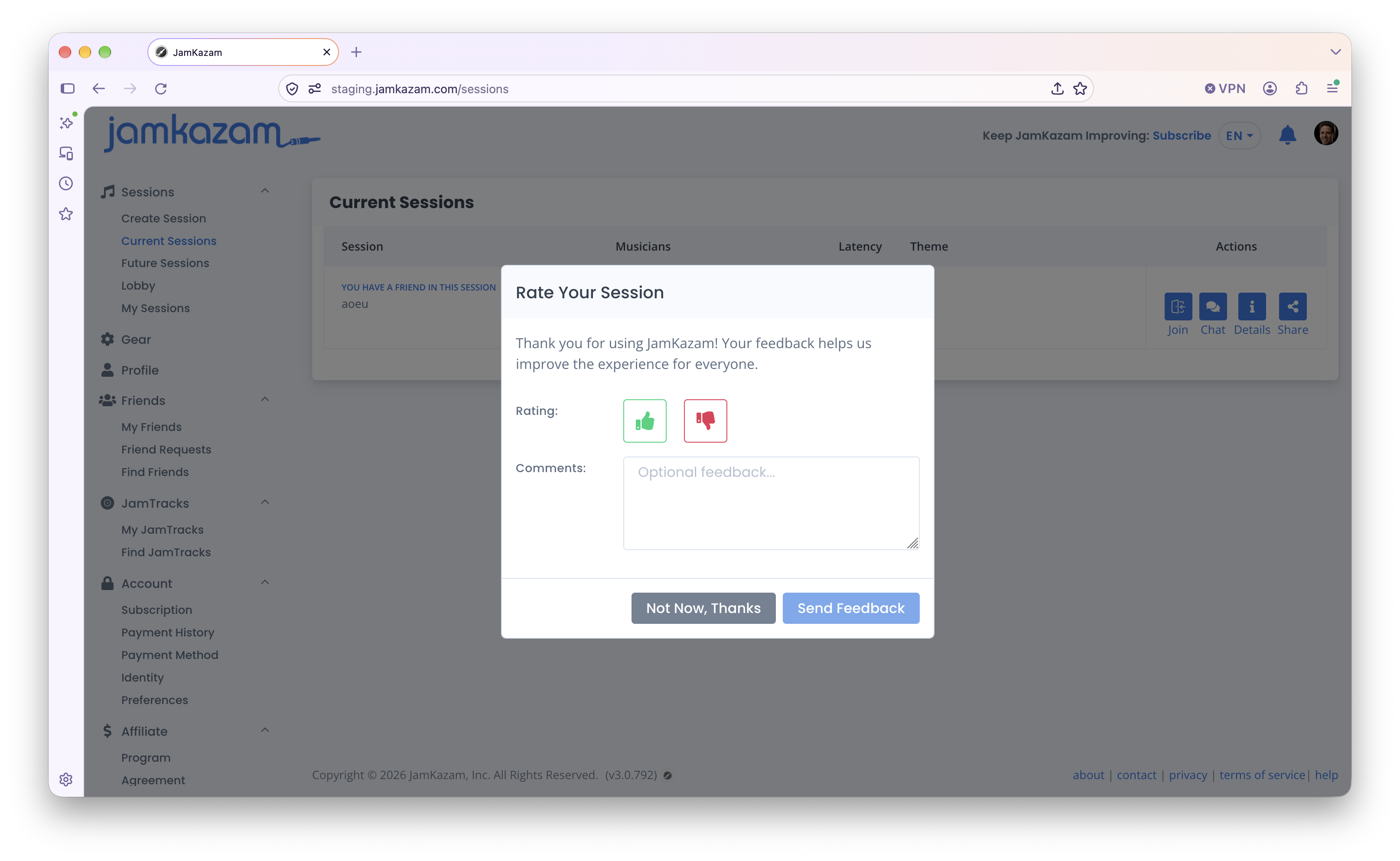
When you are done playing in a session, you can leave the session by simply clicking the Leave button in the session toolbar (pictured below with arrow).
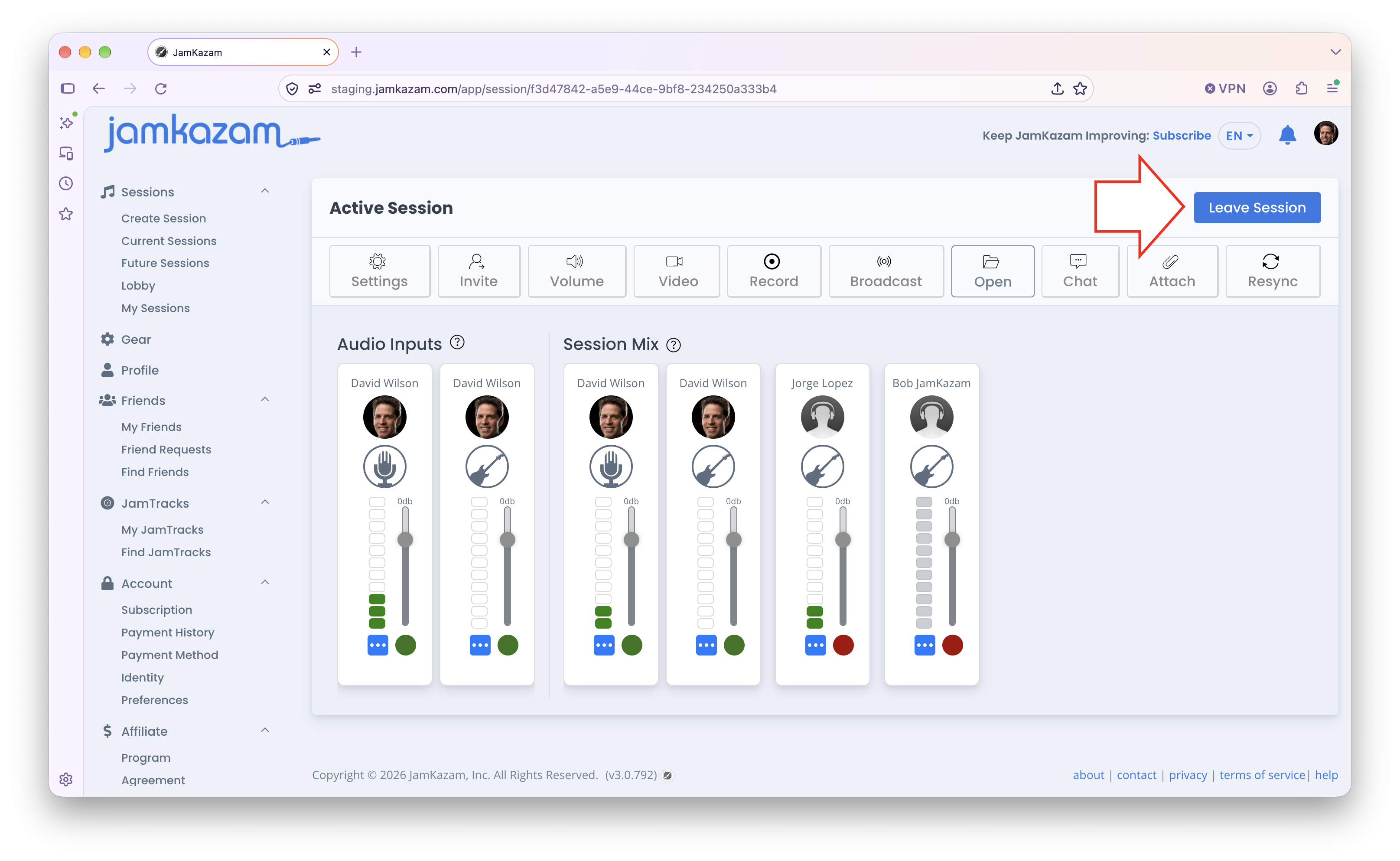
When you leave a session, you will see a prompt to Rate Your Session. This is optional. You can click either the green thumbs up or the red thumbs down icon, and enter a note for us. If your session was good or great, we love to see the thumbs up. If it was bad - i.e. if you encountered a bug, or if your session was unreliable or exhibited poor audio quality, etc - please give us a thumbs down and write a note to tell us what happened. With the new version of the app, we now have a lot of visibility - so we can look at your session stats to see if we can make suggestions in your setup that will help you have better sessions - and we can also examine log files to diagnose and fix any bugs you may encounter. But we can only do this if you tell us about any problems you find!